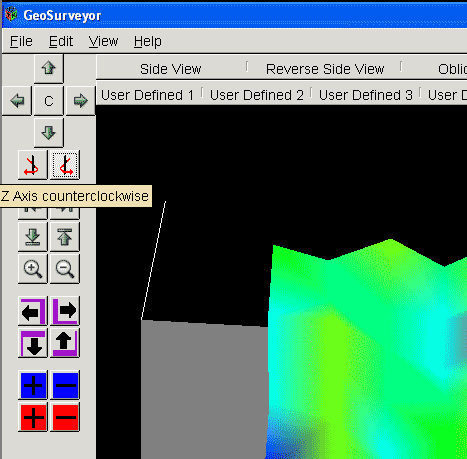
GeoSurveyor2 Software Installation Tutorial
Welcome to the GeoSurveyor2 software installation. The GeoSurveyor2 software is used with the Geophysical Electromagnetic Surveyor Discovery line of metal detectors.
The requirements for this software are as follows:
- Windows PC - Windows 98, ME, 2000, XP
- 64 Megs of memory
- Video card with 16 Megs of memory
- 20 Megs hard drive space
- Monitor capable of 1024x768 resolution
GeoSurveyor2 software installation steps:
1) Download GeoSurveyor2 software. You can download the GeoSurveyor2 installation file here: gs2setupWeb.exe
2) After the download has completed double click on the icon to begin the installation process. You will see a screen like this:
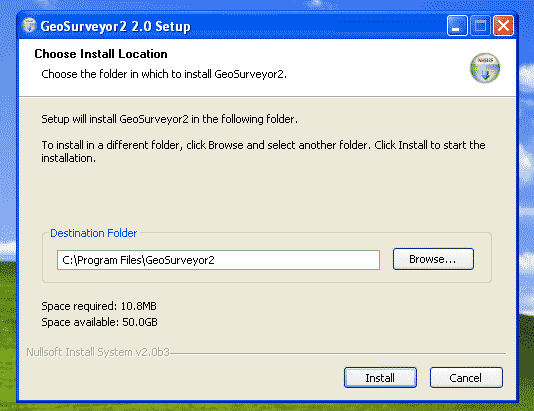
3) Click on "Install" and the program will install on your hard drive. When the program has completed installing the following screen will be displayed:
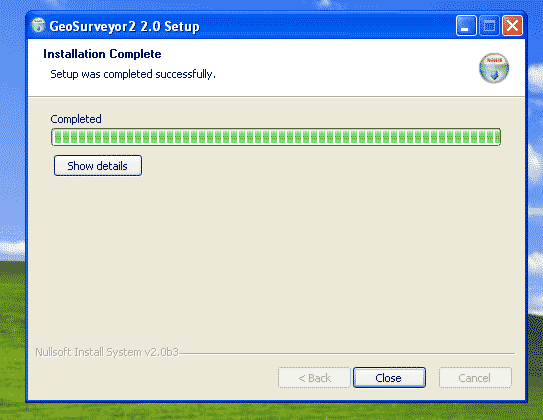
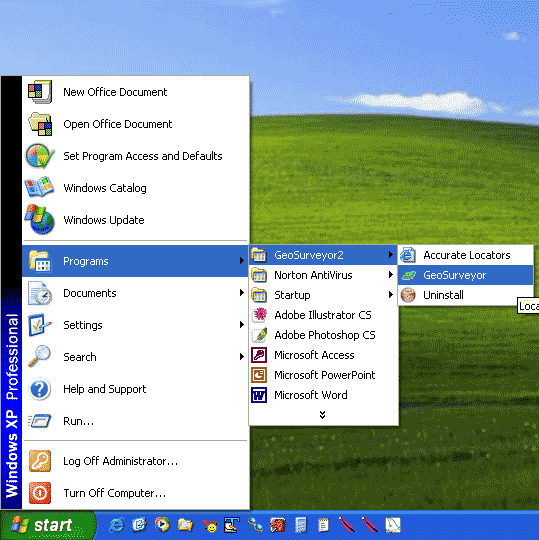
4) The program is now installed and ready to be run. You may choose one of two ways to run the program:
- Double click on the program icon on your desktop:
- Go to Start -> Programs -> GeoSurveyor2 ->GeoSurveyor
5) Once in the program you now need to open a file to view the scan. To do this go to File -> Open.
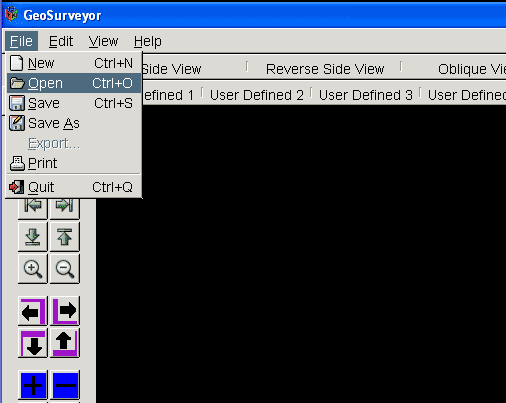
6) You will now have the Open File dialog opened and you can now select a file on the right that you wish to open. Select and highlight the file with the mouse and press "OK" at the bottom right.

You are now viewing a real scan done by the USA Discovery. To the left are controls which allow you to move around the scan and see it in greater detail.